
The master record for every person on your workforce.
Overview
An Employee in ERPNext is a person who works for your organization. Employee records drive every HR and payroll process, personnel information, payroll, attendance and more.
Key fields
| Field | Description |
|---|---|
| Employee Name | The name of the employee |
| Social Security Number | The employee's unique SSN |
| Branch | The branch where the employee works |
| Department | The department the employee belongs to |
| Designation | The official job title or position |
| Employee Grade | The grade or level within the organization |
| Employee Group | The group the employee belongs to |
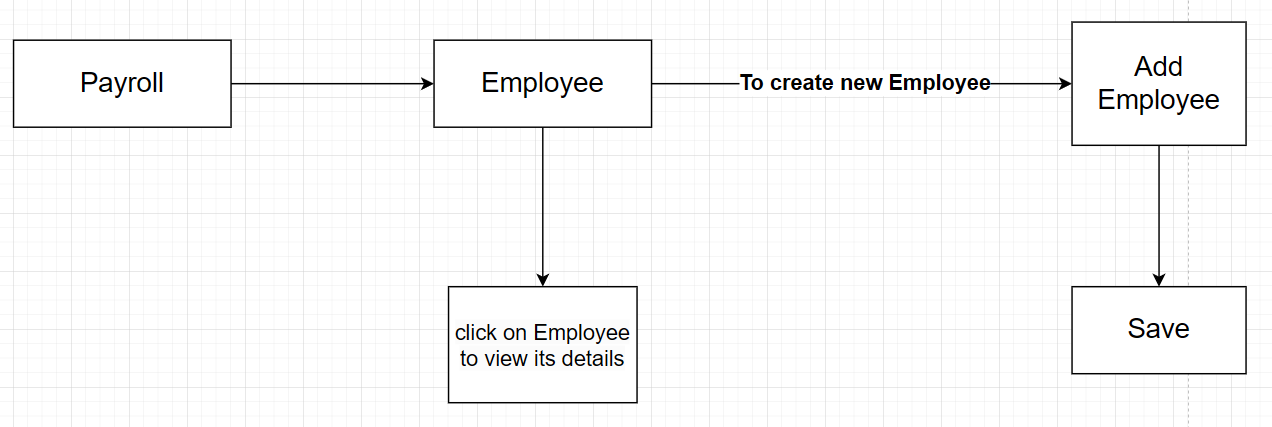 Employee details, personal and job information
Create an employee
- Go to Home → USA Payroll → Employee.
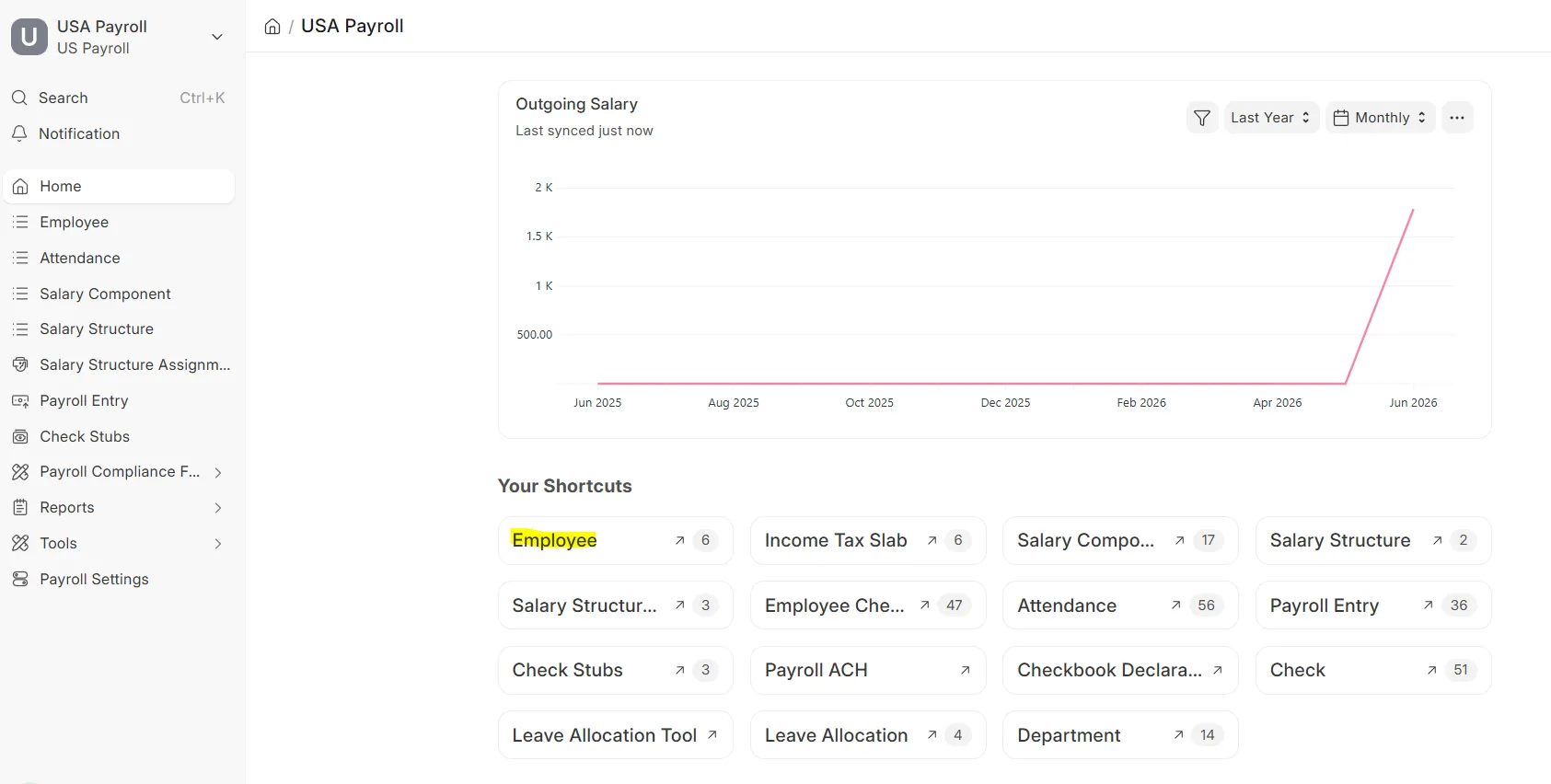 Employee workspace
 - Click Add Employee.
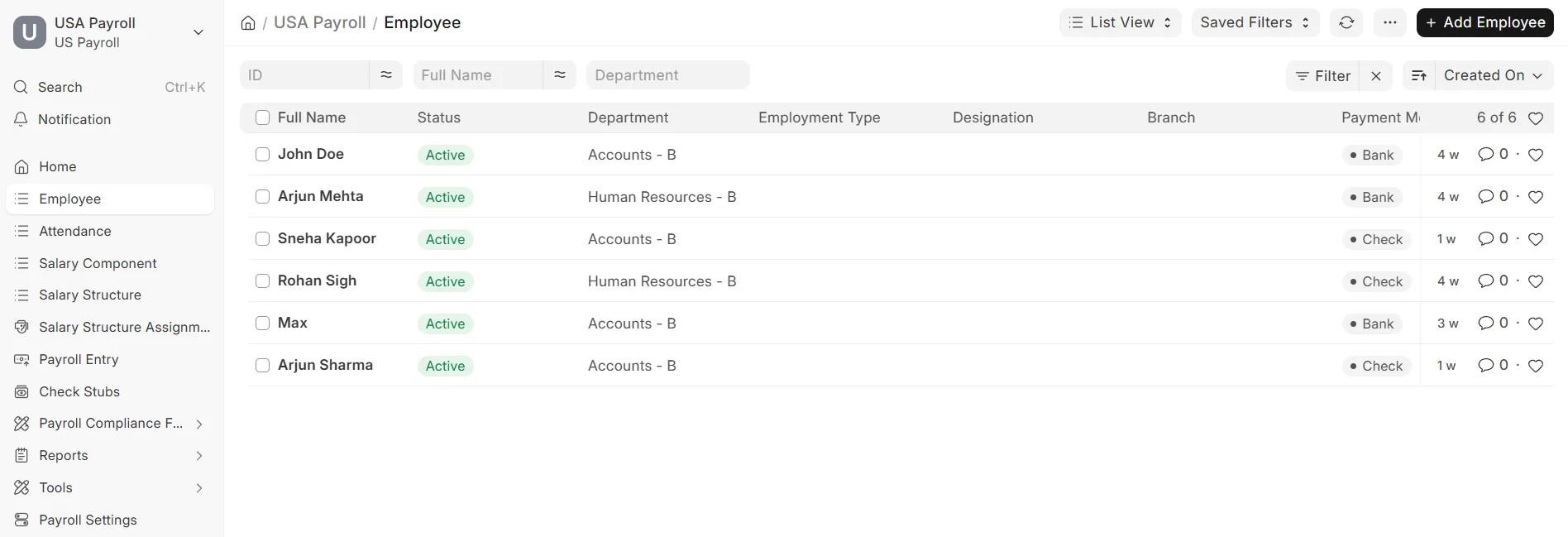 Employee list view
 - Fill in all the required details and click Save.
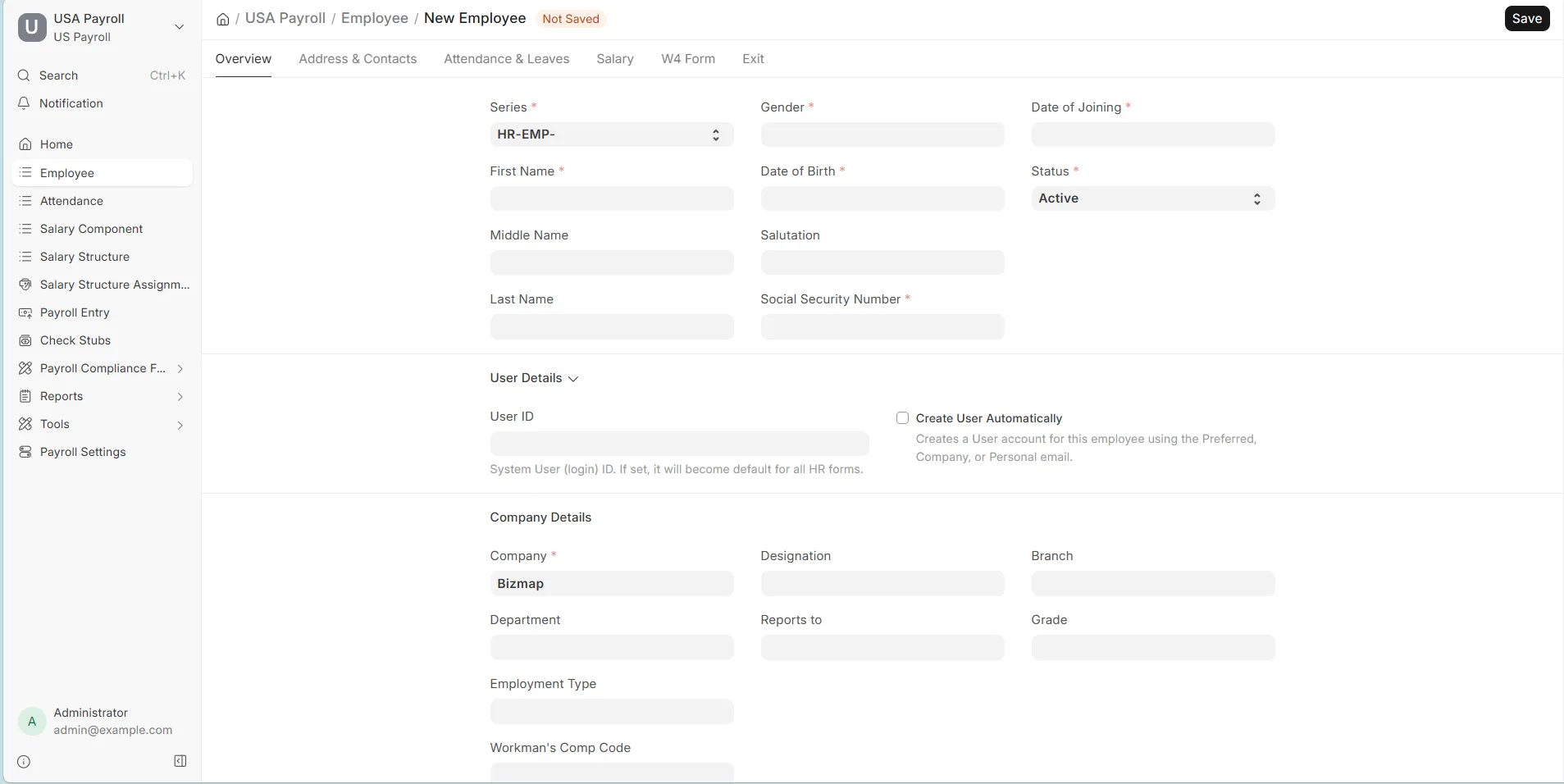 New Employee form
Related Topics
Last updated 6 hours ago
Was this helpful?